Projects
Connect a repository and set what every Machine for it starts with.
A Project is a repository connected to Polaris, plus the settings every Session on it starts with: its setup, variables and instructions for the agent. Set them once, and every new Machine for that repository comes ready, so you only describe the task when you start a Session.
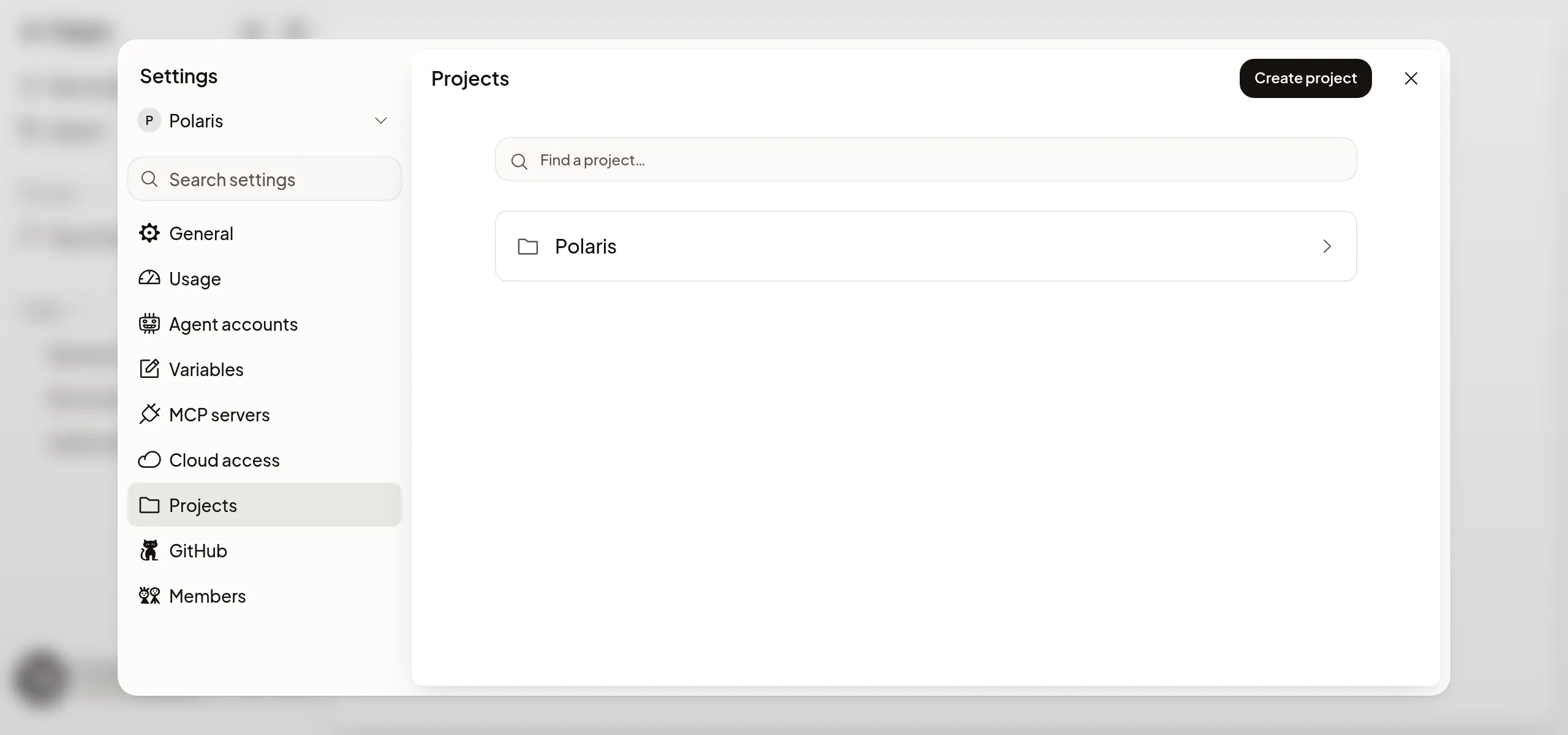
Add a repository
Setup creates a Project for each repository you pick there. To add another repository later:
- Open Settings → Projects and choose Create project.
- Pick the repository. If it isn’t listed, choose GitHub connections and give Polaris access to it on GitHub.
The Project is ready to use right away; nothing starts until you start a Session. You can also pick any repository Polaris can reach straight from Start, and Polaris creates its Project for you.
What a Project sets
Open a Project in Settings → Projects to change what its Sessions get:
- Workspace setup: the default branch, and the tools and services every new Machine installs and starts. See Workspace setup.
- Variables: settings and keys the agent’s commands need. See Variables and secrets.
- Agent instructions: rules for Codex and Claude Code working on this repository. See Agent instructions.
- Skills: skills from skills.sh or a GitHub repository for the Project’s Machines, though some Machines can’t receive them. See Skills.
- Question wait limit: how long the agent waits for your answer before it pauses, 10 minutes unless you change it. See Answer the agent’s questions.
- Machine: the CPU, memory and disk new Sessions start on. Choose a preset, or Custom… and then Save Machine. You can choose another when you start work. See Machines.
Variables, the question wait limit and the Machine apply right away. Agent instructions apply to Sessions started after you save. Workspace setup applies to new Machines: a Machine that’s already running keeps the setup it started with, so start a new Session to pick up a setup change.
If it doesn’t work
- The repository isn’t listed: choose GitHub connections and add it to the repositories Polaris can reach. See GitHub.
- GitHub access needs attention: choose Repair repository access. Your saved settings and Sessions are kept.
- Someone else saved first: your draft stays. Check the saved values, then save again or choose Discard.